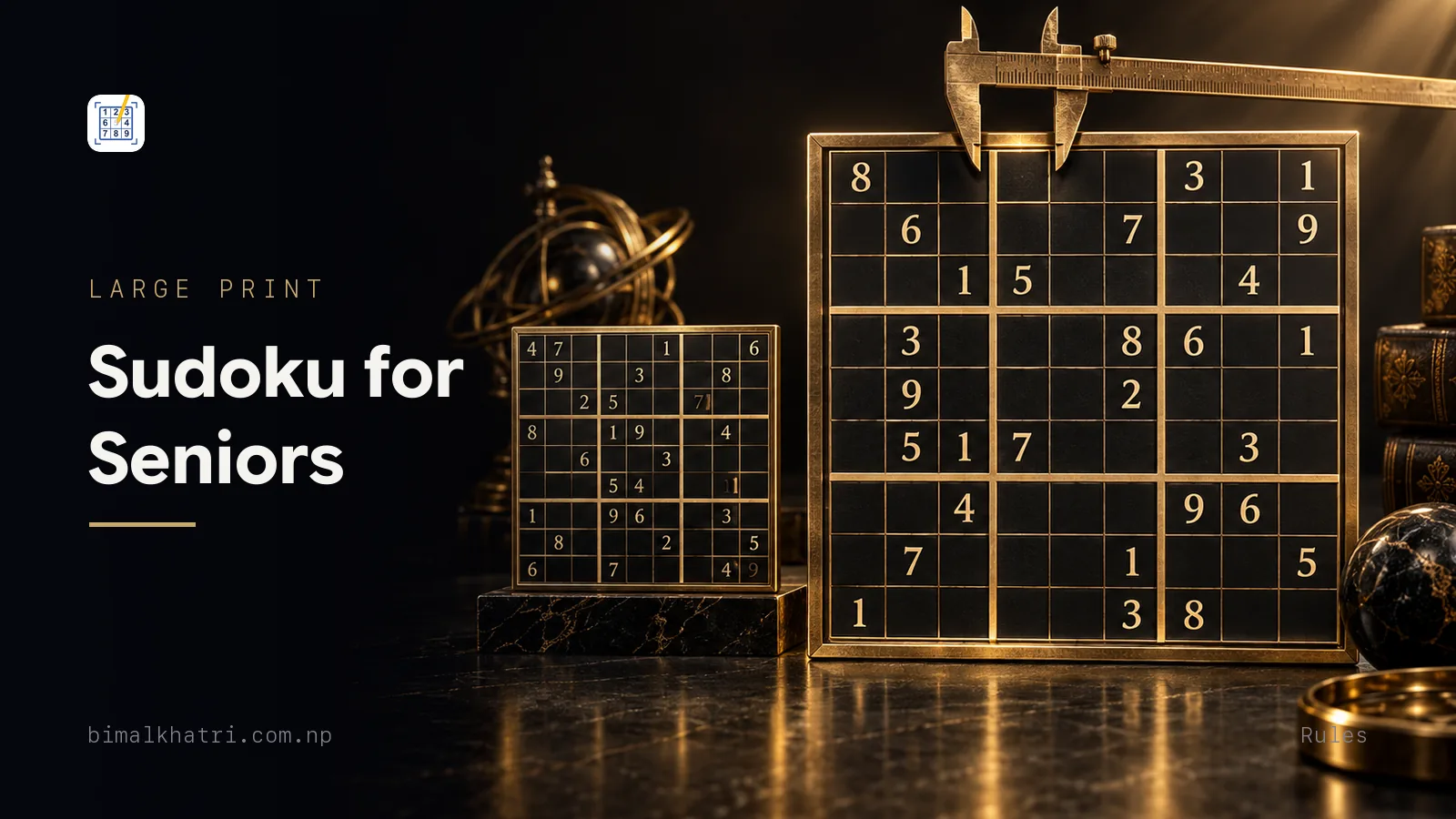
Measure one cell of the puzzle in front of you. Under 1cm and the grid is the problem, not your eyes and not your practice. "Large print" on a cover describes the printed digits. The digits are not where the difficulty lives. The cell is where you write, so the cell is the number that matters: 1.5cm or more, and 1.8cm if you plan to pencil in candidates.
The other half of the answer is where to start. Begin on puzzles that can be finished by scanning alone, one digit at a time, with nothing written in the margins. That is a method rather than a difficulty label, and the labels on the front of a book do not mean the same thing from one publisher to the next.
Both halves are fixable in an afternoon. Here is how.
Measure the cell, not the cover
Take a ruler to the grid you are working on now. Divide the width of the whole grid by nine and you have your cell size. A grid printed 17cm across gives you cells a shade under 1.9cm, which is roomy. A grid printed 9cm across gives you 1cm, which is a squint and a cramped pencil.
| Cell width | What it is like to use |
|---|---|
| Under 1cm | Hard to read, harder to write in. Pencil marks are not possible |
| 1.2cm | Readable. One digit per cell fits, candidates do not |
| 1.5cm | Comfortable for most people. A few small candidate marks fit in a corner |
| 1.8cm and up | Roomy. Full pencil marks, and a rubbed-out digit does not smear its neighbours |
Four other things on the page matter almost as much, and none of them appear in a product description.
Line weight. The nine box borders should be visibly heavier than the cell lines. Half the rules of Sudoku are about boxes, so a grid where all the lines are the same weight has hidden half the rules. Run a finger along a box border. If you cannot feel where one box ends without counting, put the book down.
Contrast. Given digits should be black on white. Grey digits on cream paper look elegant in a shop and are miserable under a reading lamp.
Paper. Matte, not glossy. A glossy page throws the lamp back at you, and the reflection sits exactly where you are trying to look.
Binding. A book that will not lie flat has to be held open with one hand, which is the hand you were going to write with. Spiral binding solves this. So does tearing the page out, which is allowed.
Two more small things that cost nothing. Use a B or 2B pencil rather than an HB, because a softer lead makes a dark mark with less pressure. And put the lamp on the side away from your writing hand, so your own hand is not casting a shadow across the cell you are filling.
On a screen you set the size yourself: Sudoku Master is free, needs no signal because all 4,000 of its puzzles ship inside it, and shows no ads while you solve.
Printing your own, so it comes out usable
Printing is the cheapest way to get exactly the size you want, and it goes wrong in one predictable place.
- One puzzle per page. Two puzzles on a sheet halves your cell size. That is the whole reason most free printables are unusable.
- Print at 100%, not "fit to page". Scaling to fit shrinks the grid to make room for margins you do not need. Look for "actual size" in the print dialog.
- Print one test page and measure a cell before you print forty. Thirty seconds now, or a ream of puzzles you will not do.
- Portrait, and let the grid fill the width. A grid centred in the middle of a page with 5cm of white on each side is a wasted sheet.
- Skip the ones with a decorative border. The border is stealing width from the cells.
There is more on print settings, page setup and which sources put out clean puzzles in printing Sudoku so they are actually usable.
The on-ramp: one digit at a time
Most people are taught to attack a Sudoku cell by cell: pick an empty square, work out what goes in it. That is the hardest possible way to start, because every empty cell asks you to check twenty other cells at once.
Work by digit instead. Pick one digit and hunt for it across all nine boxes, then move to the next. You hold one number in your head, your eyes travel a fixed path along rows and columns, and you never have to remember what you were doing. The name for this is cross-hatching, and it never stops being useful: experts still open a grid with it.
Start with whichever digit is already the most crowded on the page. Seven copies of a 1 have between them shut down seven rows and seven columns, and that is work the puzzle has done for you. Here is a grid with 36 given digits, gentle enough that nothing below will need a pencil mark.
. . . 3 6 . 1 . 8
. . . 1 . 8 . . 4
9 . . . . 5 . 6 7
5 . . 8 . . 6 3 1
. 1 . . 3 . . 5 .
6 4 3 . . 1 . . 9
4 6 . 7 1 . . . 3
8 . . 4 . 3 . . .
1 . 9 . 8 2 . . .
Count the 1s: there are seven of them. Count the 2s: there is one. So the 1s are where the work is.
Cells are named by row and column. Rows run 1 to 9 from the top, columns 1 to 9 from the left, so r3c3 is row 3, column 3. Boxes are the nine three-by-three blocks, numbered left to right and then top to bottom, so box 1 is the top left.
Box 1, digit 1. Box 1 has one given, the 9 at r3c1. Row 1 already holds a 1, over at r1c7, so nothing in the top row of the box can be a 1. Row 2 holds a 1 at r2c4, so the middle row of the box is out too. That leaves r3c2 and r3c3. Column 2 holds a 1 at r5c2. So r3c2 is out, and the 1 goes in r3c3.
Two rows and one column ruled out. Nothing was written down, nothing was remembered, and the cell fell out on its own.
Box 4, digit 9. Box 4 is rows 4 to 6, columns 1 to 3. Its empty cells are r4c2, r4c3, r5c1 and r5c3. Column 1 holds a 9 at r3c1, which kills r5c1. Column 3 holds a 9 at r9c3, which kills r4c3 and r5c3. One cell left: r4c2 is the 9.
Box 4 again, digit 8. Row 4 holds an 8 at r4c4, so r4c3 is out. Column 1 holds an 8 at r8c1, so r5c1 is out. The 8 goes to r5c3.
Box 8, digit 6. Box 8 is rows 7 to 9, columns 4 to 6, and its empty cells are r7c6, r8c5 and r9c4. Row 7 holds a 6 at r7c2. Column 5 holds a 6 at r1c5. Both gone, so r9c4 is the 6.
Four digits in, and the grid looks like this.
. . . 3 6 . 1 . 8
. . . 1 . 8 . . 4
9 . 1 . . 5 . 6 7
5 9 . 8 . . 6 3 1
. 1 8 . 3 . . 5 .
6 4 3 . . 1 . . 9
4 6 . 7 1 . . . 3
8 . . 4 . 3 . . .
1 . 9 6 8 2 . . .
Every one of those placements was the same move repeated. Pick a digit, find the boxes that do not have it, cross off the rows and columns that already do, and see whether one cell is left standing. The rest of that puzzle comes out the same way. There is a longer worked version of the method in cross-hatching a grid.
Two habits make this easier on the eyes. Work one box at a time rather than letting your gaze wander the whole grid, and rest a finger or a card along the row you are checking so you do not lose your place halfway across the page.
What "easy" should mean, and why the label is not comparable
The clue count is not the difficulty. Two grids can open with the same number of givens and demand completely different work of you. What grades a puzzle is its stiffest move, and how often that move comes round.
Nor is there a shared scale between publishers. A book that calls itself gentle can be stiffer than another book's hard, and neither publisher is being dishonest about it. So a puzzle marked easy that defeats you is not a verdict on you.
Use your own test instead. A puzzle is on your on-ramp if scanning for digits finishes it and the margins stay empty. The moment you have to write every candidate into every cell, it has moved up a rung, whatever the cover says. That is a fine place to go next. Pencil marks are the tool for it, and it is a different job from the one above. How the ladder is built is in what makes a Sudoku easy, medium or hard.
Paper or a screen
Both work, and the honest answer is that they fail in different places.
| Paper | Phone or tablet | |
|---|---|---|
| Size | Fixed when it was printed | You choose, and can change it mid-puzzle |
| Contrast | Whatever the printer did | Adjustable, and light or dark |
| Correcting | Rubber, smudge, hole in the page | One tap |
| Pencil marks | Need a big cell and a sharp pencil | Rendered at a readable size |
| Hand strain | Real, if the cells are small | None. You tap |
| Where it works | Anywhere, no charging | Anywhere with a charged battery |
One thing worth knowing before anyone tells you a phone is the answer to small print. A phone screen is about 7cm wide, so a grid filling it gives cells of roughly 0.75cm. That is smaller than a decent large print book. What makes it work is not raw size: it is that the digits are rendered sharp rather than printed, that you can pinch to zoom in on one box, and that the screen makes its own light. If size is the whole problem, a tablet beats both. A 10-inch tablet gives you a grid wider than most printed books, at a brightness you control.
The other real gain is the cost of being wrong. On paper a mistake means rubbing out, and rubbing out a cell you have already pencilled candidates into usually takes the candidates with it. On a screen it is one tap, which changes how willing you are to try something. A fuller comparison is in Sudoku on paper or on a phone.
The settings worth changing on a phone
I built Sudoku Master after watching my own family squint at a newspaper grid, and it plays the classic nine by nine and nothing else. Whichever app you end up with, four settings decide whether it suits older eyes, and most apps have all four buried in the same place.
- Highlight the row, column and box. This draws the exact constraint you are checking. It is the one-digit-at-a-time method done for you, and it saves your eyes the journey across the grid.
- Highlight the same number. Tap a 1 and every other 1 lights up. That is cross-hatching made visible, and it is the single most useful thing a screen does that paper cannot.
- Turn off "game over at 3 mistakes". A puzzle that ends because you were trying something is a puzzle you will stop opening.
- Turn off the timer. Speed is a separate hobby. It can wait, or never arrive.
Two more, if the app has them. Light and dark themes let you match the room instead of fighting it, and a dark grid at night is easier on tired eyes than a white page glowing at you. And auto-removing notes when you place a digit saves a lot of tidying up.
What Sudoku does and does not do for an ageing brain
This is where most pages aimed at older readers overstate their case, so here is the evidence as it actually stands.
The largest relevant study is PROTECT, run by the University of Exeter and King's College London and published in 2019. It asked more than 19,000 adults aged 50 to 93 how often they did puzzles, then tested their attention, reasoning and memory. People who did number puzzles regularly scored better, by a margin the authors described as equivalent to several years of age-related decline.
Two honest limits on that. It is observational, which means it shows an association and not a cause: it cannot rule out that people who already think sharply are the ones who enjoy puzzles. The authors said so themselves. And transfer is narrow. Practising Sudoku reliably makes you better at Sudoku, while the evidence that it improves unrelated tasks is weak, which is a known problem across brain-training research rather than a knock against this puzzle.
There is no good evidence that Sudoku protects anyone from dementia or Alzheimer's disease. Any page telling you otherwise is selling something.
What is left is still worth your morning. It is absorbing. It is a low-stakes way to practise holding attention on one thing for twenty minutes. People find it calming. And when it is on a screen, it is screen time that is not a feed. Those claims need no citation because they are experience, not science. The full picture is in is Sudoku good for your brain.
Buying a book for someone else
If you are buying for a parent, four checks in the shop or on the listing catch almost everything that goes wrong.
- Look at the sample pages and count how many puzzles are on a sheet. One is what you want.
- Check the answers are in the back. A book with no solutions cannot settle an argument with itself, and being stuck with no way to check is how people quit.
- Check it opens flat. Spiral or a wide gutter.
- Buy the easiest book in the series first, even if it looks beneath them. Finishing three easy grids builds the habit. Failing one hard grid ends it.
And leave the puzzle out on the table rather than putting it away. Twenty minutes at a time is a perfectly good way to do a Sudoku, and the grid will be sitting exactly where you left it.
Questions people ask
Where can I get free large print Sudoku puzzles?
Printable sheets are widely available online, and the quality varies. Print one test page at actual size, measure a cell, and only then print a batch. Also solve one yourself before handing over a stack: a properly made puzzle has exactly one solution, and a badly generated one can have two, which means no chain of reasoning will ever close it.
Is 70 too late to start doing Sudoku?
No. The rules take five minutes and the first technique takes an afternoon. Nothing in the game depends on speed or on having played before. Start on grids with 36 or so given digits, use the one-digit-at-a-time method above, and expect the first few to take much longer than the label suggests. The rules from scratch are in how to play Sudoku.
How long should one puzzle take?
Far longer than the internet implies, and it does not matter. An easy grid might take ten minutes for someone who does one daily and forty for someone starting out, and both are fine. The only useful measure is whether you finished it without guessing.
Does Sudoku help with memory loss?
The honest answer is that nobody can promise you that. The PROTECT study found that regular puzzlers scored better on memory and reasoning tests, but it was observational, so it cannot show that the puzzles caused the difference. No study has shown that Sudoku protects against dementia. Do it because you enjoy it.
Should I use pencil marks, or is there a way to avoid them?
On easy grids you can avoid them entirely, and you should while you are building the habit. Pencil marks earn their place when a cell has four or five possibilities and you cannot hold them all in your head. If your cells are under 1.5cm, marks are not really an option on paper anyway, which is one more argument for a bigger grid or a screen.
Is a tablet better than a phone for Sudoku?
For anyone who wants a big grid, yes, and it is not close. A 10-inch tablet gives a grid wider than most large print books, with brightness you control and digits that stay sharp when you zoom. A phone works, but you will be pinching and panning more than you would like.
I am stuck and I have not made a mistake. What now?
Go back to one box and ask which digits it is missing, then try each of those digits against the rows and columns crossing it. That restarts most stuck grids. If it truly will not move, the puzzle has forced a technique above the one you are using, which is information rather than failure. The full checklist is in stuck on a Sudoku.
Is one puzzle a day enough?
Enough for what, is the fair question back. For enjoyment, one a day is a good rhythm and it is roughly what a newspaper gives you. There is no dose in the research to hit, so pick a number you will actually keep to. Ideas for making it stick are in a daily Sudoku habit.
Keep reading
- How to play Sudoku, the complete rules in the order a new solver needs them
- The complete Sudoku guide, the guide that runs from the rules to the advanced techniques
- Printable Sudoku, for getting the size and the page settings right before you print a batch
- Sudoku on paper or on a phone, an honest comparison of where each one wins
- Is Sudoku good for your brain?, what the studies actually found and what they cannot show
- A daily Sudoku habit that sticks, if you want it to become part of the morning
On your phone: Sudoku Master is free on iPhone and Android. The link sends you to whichever store your phone uses.