Almost every free Sudoku app carries ads, and counting them is the wrong test. Where they land is the test. An ad between two puzzles costs you a few seconds. An ad that fires while you are holding a candidate pair in your head costs you the pair, and you go back to a grid that has quietly become harder.
So check placement first, price second, and everything else after that. The store listing tells you how an app is funded before you install it. Ten minutes with the app tells you whether the funding lands on the board.
Want the grid left alone? Sudoku Master puts its banners on the menu, statistics and scanner screens, and none on the board. Free, 4,000 puzzles bundled, works with the aerial off, and no ads while you solve.
Five formats, and what each one costs
Every ad you will meet in a puzzle app is one of these five. They are not equally bad, and lumping them together is why people end up choosing badly.
| Format | Where it appears | What it costs a solver |
|---|---|---|
| Banner | A strip pinned to the top or bottom, on the whole time | Screen height, and on a phone height means cell size |
| Interstitial | Full screen between two screens, closable after a few seconds | Your place, if it lands anywhere near a deduction |
| App-open | Full screen when you launch the app, or return to it from the background | Every re-entry to a paused puzzle |
| Rewarded | Only when you tap to watch, in exchange for something | Nothing you did not agree to, unless the thing you get is a hint |
| Cross-promotion | A "more games" tile or panel inside the app's own screens | A mis-tap, and a store page you did not ask for |
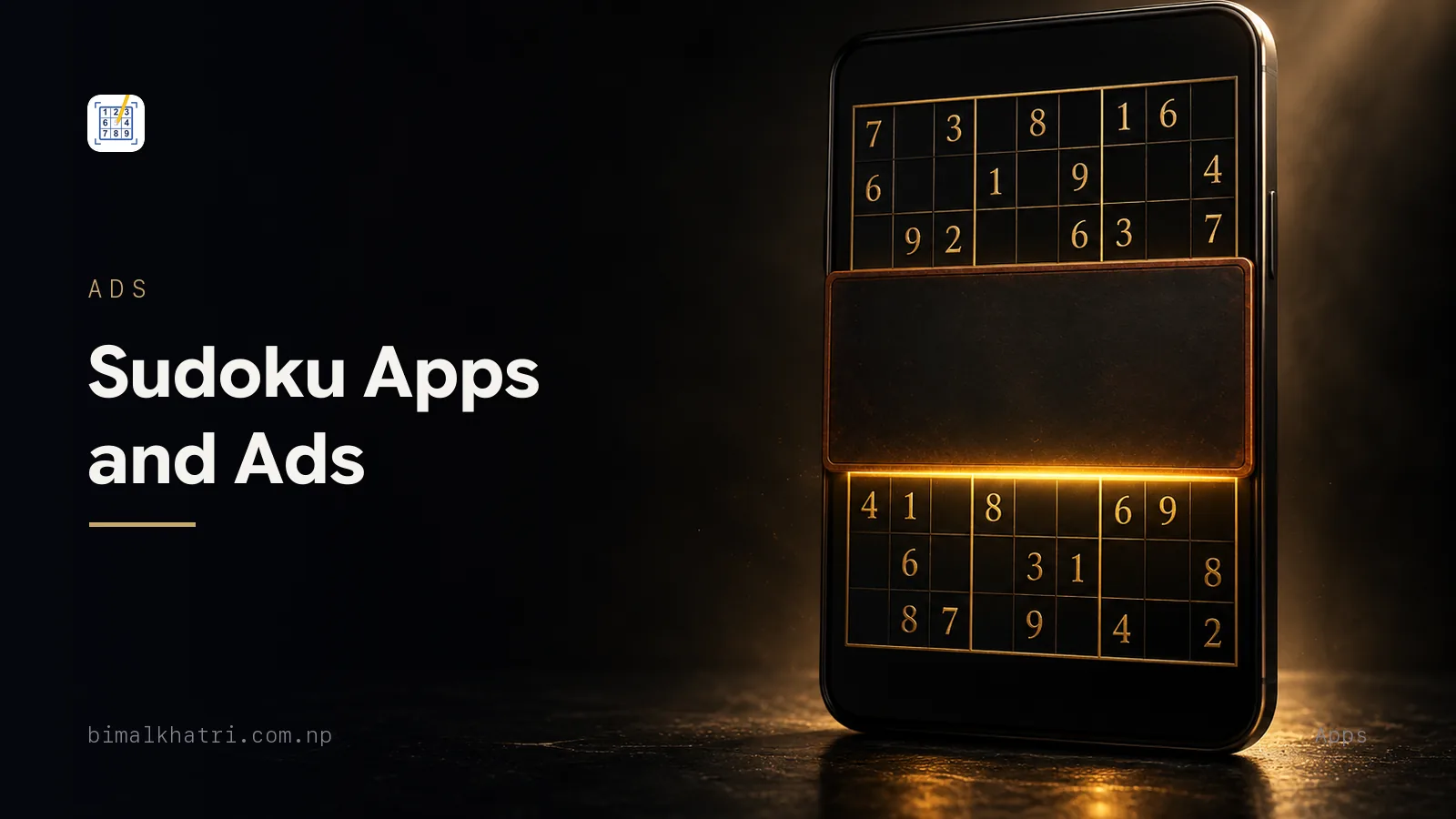
Two of the five are worth a real decision. A banner is a size problem, not an attention problem: it takes a strip of the screen and the grid shrinks into what is left. Interstitials and app-open ads are attention problems, and attention is the entire game.
The app-open ad is the one nobody puts on a checklist and everybody resents later. It fires on the return, not just the launch. Sudoku is a queue game. You start a puzzle, the queue moves, you lock the phone, and four minutes later you pay a full-screen video for the privilege of resuming. No store listing has ever mentioned this. Thirty seconds of testing finds it.
What an interruption actually takes
Words like "disruptive" do not settle anything. Here is a real medium grid, so you can price the interruption yourself.
....531..
.4.79..6.
...86..7.
6.....4..
...9...3.
.2...6...
.351.9..7
.9....541
7.46.52..
That is 30 givens and 51 empty cells, and exactly one of those cells has a
single candidate left: r7c8 can only be 8. Everything after it costs you a
technique.
So work column 1. Both r7c1 and r8c1 read {2,8}. Two cells, two digits, no
room for anything else, so the 2 and the 8 of column 1 are trapped in that pair.
Now look up the column. r1c1 read {2,8,9}. Strike the 2 and the 8 and one
digit is left standing, so r1c1 is a 9.
The same look thins four more cells: r2c1 from {1,2,3,5,8} to {1,3,5},
r3c1 from {1,2,3,5,9} to {1,3,5,9}, r5c1 from {1,4,5,8} to {1,4,5},
and r6c1 from {1,3,4,5,8,9} to {1,3,4,5,9}.
One placement and seven strikes, off a single look. While you are making it you are holding four things at once: the pair of cells, the pair of digits, the column that traps them, and the 9 you are about to write.
Now let a full-screen ad land between the pair and the placement. Twenty seconds later you are looking at a grid that has not changed by one pixel, because you had not written anything yet. The 9 is not wrong. It is gone. You have to find the pair a second time, and the second look at column 1 is the same look that missed it the first time.
One fair objection. If you had written all 176 candidate marks into that grid before starting, the pair is still on the screen when the ad closes, and the interruption costs seconds instead of a deduction. True, and it is an argument for full pencil marks rather than an argument that the ad was harmless. Most solvers mark the region they are working on and carry the rest in their head. The head is what the full screen wipes.
This is why "how many ads" is a bad question and "does anything ever cover the board" is a good one. Ten banners on ten menu screens cost you nothing. One interstitial in the wrong place costs you a puzzle.
An app that promises none is telling you its business model
Free, no account, nothing to buy and nothing to watch is not a business model. It is a hobby, and hobbies stop getting updated. When a listing promises a clean screen, work out which of these it actually means, because they age very differently.
| What it really means | How you can tell | What it costs you later |
|---|---|---|
| Paid up front | There is a price on the listing | The price, once, and nothing after |
| Free, with a one-off purchase that removes them | The purchase list has a single item, usually named for exactly that | The price, once, after you have tried the app |
| Free, with a subscription | The purchase list shows a monthly or yearly item | More than a puzzle app is worth, if you play in queues |
| Free, with a rewarded switch | A button offering a quiet window for one video | A video, every time the window runs out |
| Free, with ads kept off the board | Nothing on the listing says this. Only playing shows it | Interruptions everywhere except the part you came for |
| A hobby build with none at all | No price, no purchases, nothing in the ads label, and no update in two years | It breaks on your next phone update |
That last row is not a warning against small apps. It is a warning against assuming a quiet app stays quiet. An app with no revenue has no reason to ship a fix, and an app that suddenly needs revenue ships ads in an update you will not read the notes for.
What the listing tells you before you download
Most of this is on the store page. None of it takes longer than a minute.
| Where you look | What it tells you |
|---|---|
| The store's own ads label, not the developer's blurb | Whether the build serves ads at all. Google Play prints this on the listing |
| The in-app purchase list | The price of removing them, and whether that price is once or every month |
| Recent one-star reviews | Where the ads land. This is the only place that question gets answered by people who played |
| The privacy or data section | What the ad library takes along with the impression. An advertising identifier is expected; anything tied to who you are is not |
| Last updated | Whether anyone is still maintaining it. An abandoned app still serves ads through an old library |
| Screenshots | Almost nothing. Banners get cropped out of marketing shots, so their absence proves nothing |
| Permissions | Every one should map to a feature you can point at on the listing |
The reviews are worth the two minutes. Sort by most recent and read the angry ones. People who are annoyed by an ad say precisely where it appeared, which is the single thing no label will ever tell you. If three separate people mention an ad after every puzzle, that is your answer, and it did not cost you a download.
That permissions row has one honest exception. An app that reads a printed grid through the camera has to ask for the camera, and one that imports a photo has to ask for the photo. The photo route sets out what scanning genuinely needs and what it does not.
The ten-minute test
Install it, then run these in order. Most apps fail one of the first three and you have your answer before the kettle boils.
- Open it and count. How many screens between the icon and a playable grid? An ad before you have seen a single puzzle sets the tone for everything after.
- Play one easy puzzle to the end. Did anything cover the grid while you were solving? This is the question that matters and it takes six minutes.
- Lock the phone mid-puzzle, wait a minute, come back. This is the app-open test. Nobody runs it, and it is the ad you will meet more often than any other.
- Finish, then start a second puzzle. The gap between two puzzles is the standard interstitial slot. An ad here is reasonable. An ad here every single time gets old by day three.
- Turn on flight mode and play. Two answers for the price of one. If the grid still loads, the puzzles are bundled rather than fetched. If ads still appear, they were cached in advance.
- Find the removal price. It is usually in settings or behind a crown icon. Note whether it says once or per month.
- Tap the hint button once. If a video plays before the hint arrives, the app has a reason to want you stuck. That is a design question, not an ad question, and it is the more serious of the two.
Step 5 is also the offline test, so it is doing double duty. An app that cannot deal you a puzzle without a signal is not much use on a plane or a basement train. There is a whole page on playing with no signal.
Rewarded ads: one fair trade and one bad one
A rewarded ad is the only format you choose. You tap a button, watch a video to the end, and get something back. That is a straight trade and there is nothing wrong with it, as long as you look at what is on the other side.
Fair. A video buys a quiet window. Watch one, get some hours with nothing interrupting you. You spent thirty seconds and bought back the whole session.
Fair. A video buys a cosmetic thing, or an extra life on a puzzle you failed at three mistakes, if you were going to restart anyway.
Not fair to your solving. A video buys a hint. The problem is not the video. The problem is that the app now earns money from your being stuck, and a hint that hands you a digit teaches nothing, whatever it cost. When a hint is worth taking sets out the difference between a hint that shows you a technique and one that just fills a cell. If the second kind is the only kind on offer, the price does not matter.
Paying to make them stop
If you play daily, buying the quiet is usually the right call. Four questions before you do.
| Question | Why it matters |
|---|---|
| Once or every month? | A one-off for a puzzle app is fine. A subscription for one is a lot of money for something you play at a bus stop |
| Does it restore on a new phone? | A purchase tied to an account you never made may not follow you. Check that the app has a restore button before you pay |
| Does it remove every format, or just the banner? | Some purchases clear the full-screen ads and leave the strip. Read what the button actually promises |
| Have you played it for a week? | Buy the quiet in an app you have kept, not in an app you installed an hour ago |
And a rule that saves money: never pay on the first evening. The ads are the smallest reason an app gets deleted. Cell size, a hint button you cannot ignore and a difficulty curve that lies to you all outrank them, and all show up in the first week. The seven tests worth running on any Sudoku app cover the rest.
When the phone belongs to somebody else
Two cases where the usual advice changes.
A child's phone or tablet. The format to worry about is the interstitial, because the close button is small and a child will tap the ad instead, land in a store, and sometimes buy something. Look for an app that is honest about its audience and check whether the ads are the personalised kind. If you are installing for a young solver, the grid size matters more than any of this: which grid to start on has that.
An older reader on a large-print grid. Here the banner is the enemy, not the interstitial. It takes a strip of height, the grid shrinks into what remains, and the cells get smaller exactly for the person who needed them bigger. Test it in portrait with the system text size turned up, which is how the phone will actually be held. More on that setup in Sudoku for seniors.
What I built, and where its ads are
I built Sudoku Master, so it would be poor form to run this checklist on other people's apps and not on my own. Here it is, exactly.
Banners appear on the home screen, on the statistics screen and on the scanner screens. An interstitial fires when you leave the scanner. Watching one full rewarded video clears all of them for 12 hours. There are none on the playing board: the game module contains no ad code at all, so a solve is never covered and never paused.
Why any at all? Because 4,000 graded puzzles ship inside the download, each one carrying its own solution so the phone can mark your answer without asking anybody. There is no sign-in and no subscription. Banners on the menu screens are what pays for that, and they are the cheapest of the five formats above to put there, because a menu is a screen you are passing through.
And where the arrangement leaves you short. The lever you have over those banners is the rewarded video, and it buys 12 hours before it wants watching again. The app deals classic 9x9 grids only, so the odd-shaped puzzles in some books are outside it. Its solver searches for a solution rather than reasoning towards one, so what comes back is a completed grid with no working shown. And with no account there is nothing syncing to a second phone and no leaderboard to climb.
Common mistakes
Counting ads instead of locating them. Six banners on menu screens are worth less of your attention than one interstitial in the middle of a hard grid.
Judging by the screenshots. Marketing shots are taken with the ads off. An empty strip at the bottom of a screenshot means nothing at all.
Skipping the app-open test. It is the ad you will see most, and it is the one that never appears on a store page. Lock the phone mid-puzzle and come back.
Paying on the first evening. Give it a week. The reasons apps get deleted are mostly not the ads.
Treating flight mode as a permanent fix. Many apps cache a few ads in advance and will happily play them offline. It is a test, not a setting.
Blaming the ads for a stall. Sometimes the interruption cost you a deduction. Sometimes the grid needed a technique you have not learned yet, and the ad is a convenient thing to blame. The checklist for a stuck grid tells the two apart in about a minute.
Questions people ask
Why does an ad play every time I open a Sudoku app?
That is an app-open ad, and it fires when you return to the app as well as when you launch it. It is the most intrusive common format for a puzzle game, because puzzles get played in short bursts with the phone locked in between. Test for it by locking the screen mid-puzzle and coming back.
Does flight mode stop the ads?
Sometimes, and only until the app has served the ads it already downloaded. Many apps fetch several in advance so they have something to show when the signal drops. Flight mode is still the best two-minute test you can run, because it also tells you whether the puzzles themselves are stored on the phone.
Is it worth paying to remove ads from a puzzle app?
If you play most days, yes, and a one-off purchase is good value. A monthly subscription for a Sudoku app is not, unless it comes with something you would have paid for on its own. Play it for a week first.
Why did an ad appear right after I tapped the hint button?
Because the hint was rewarded, meaning the app is paid when you are stuck. That arrangement is worth noticing. A hint that fills a cell teaches you nothing whether you paid a video for it or not.
What does the "Contains ads" label on a store listing actually mean?
That the app serves ads, and nothing more. It does not say which format, how often, or whether they can cover the board. The label is a yes or no. The recent reviews are where you find out where the ads land.
Are free Sudoku apps safe to install?
From your phone's own store, generally yes. From a site offering a modified build with the ads stripped out, no, and that is the specific trap this subject sets: somebody who resents an interstitial goes looking for a version without one and installs an unsigned copy of a puzzle app instead. The ads are worth a great deal less than the phone.
Can I get a Sudoku app that never shows an ad?
Yes, usually by paying for it, either as a paid app or through a purchase inside a free one. Check that the paid version is the same app with the ads switched off rather than a stripped-down build, and check that the purchase restores when you change phone.
Do ads make a Sudoku app worse at Sudoku?
Only through interruption and screen space. Ads do not change the puzzles, the difficulty grading or the notes system. If an app is bad at Sudoku it is bad for other reasons, and what actually makes a grid easy or extreme is where to look for those.
Keep reading
- Best Sudoku app: the seven tests to run before you keep one, for the checks that outrank the ads
- Offline Sudoku: playing with no signal and no account, because the flight-mode test answers both questions at once
- How to use a Sudoku hint without ruining the puzzle, for the rewarded-hint trade in detail
- Sudoku on paper or on a phone, if the interruptions are pushing you back towards a book
- How to use pencil marks without drowning in them, which is what makes an interruption cost seconds instead of a deduction
- Sudoku, from the rules up, where each of these pieces sits in the bigger picture
Get it: Sudoku Master, free on iPhone and Android. The menu screens carry banners, the board does not, and there are no ads while you solve.