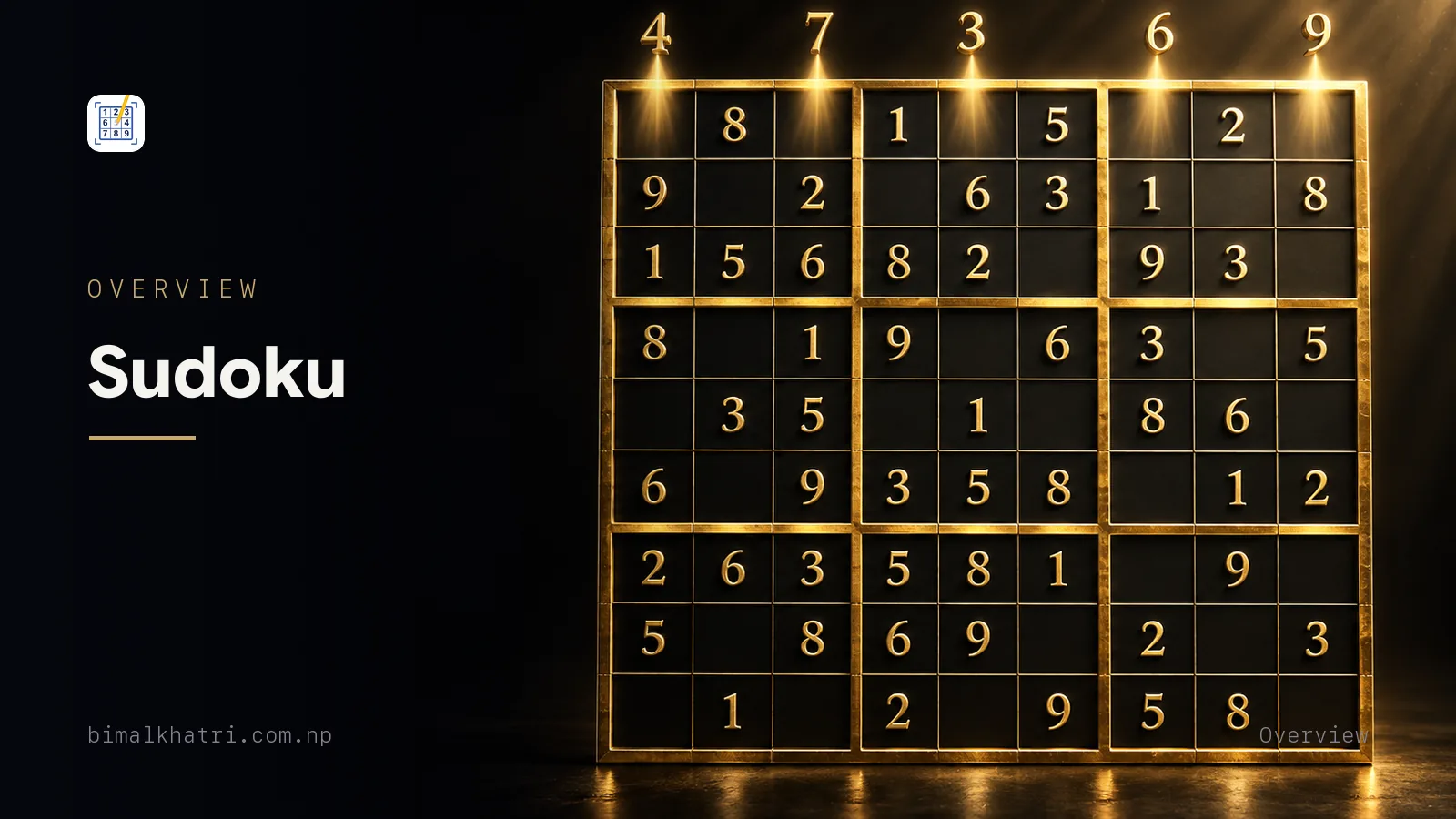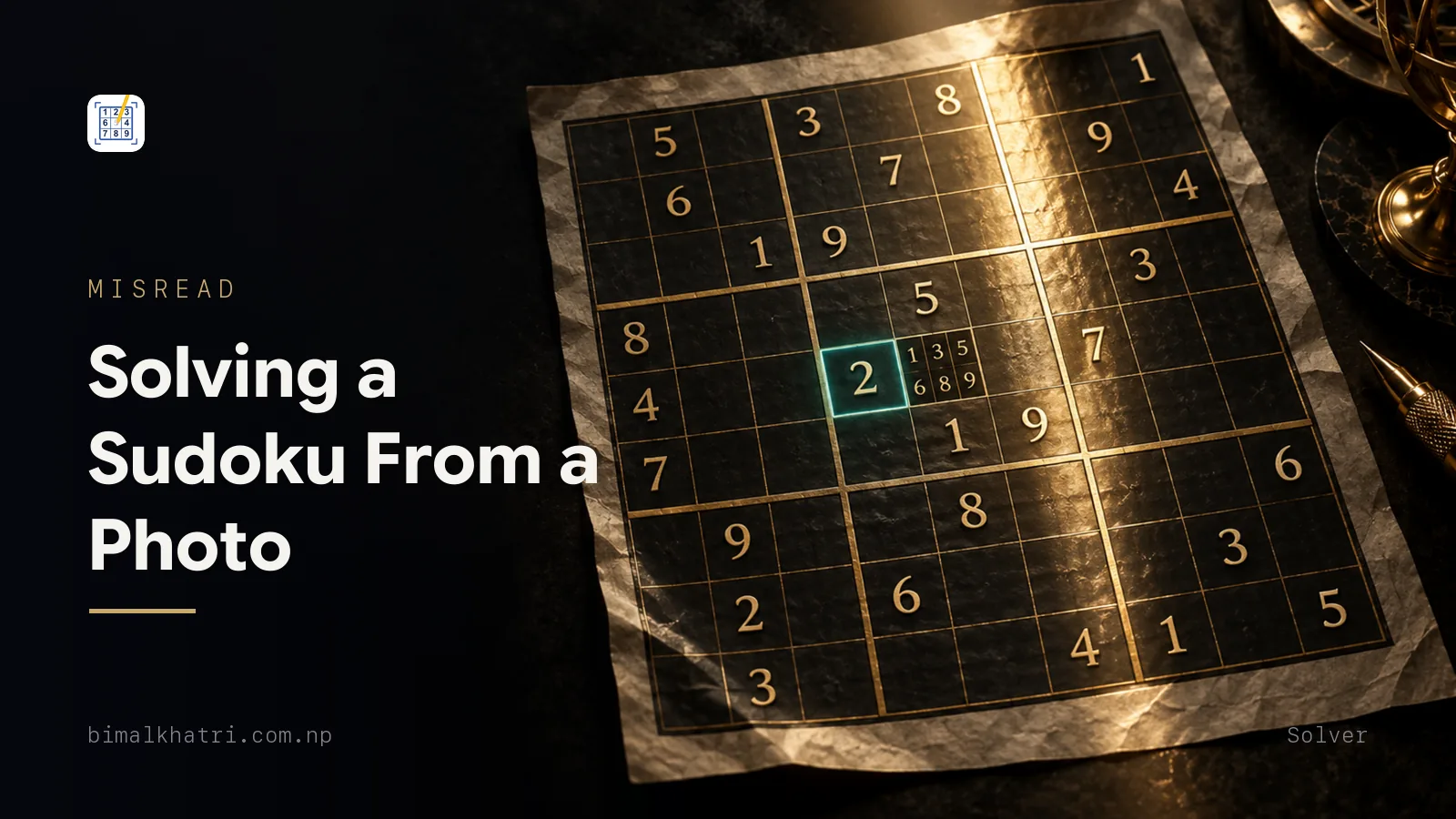
A photo solves cleanly when four things are true: the grid is sharp, it sits square in the frame, the light across it is even, and nothing is in the cells except the printed givens. Miss one of those and the software rarely fails out loud. It hands you 81 digits that are almost your puzzle.
Which is the problem. Almost is a different puzzle, and a different puzzle has a different answer.
The picture you already have decides most of this before any software runs. A screenshot of a puzzle on your own screen works nearly every time. A photo of somebody else's laptop screen almost never does. Between those two ends sit newsprint, books, printed sheets and forwarded images, and each of them fails in its own way.
Photo already in your gallery? Sudoku Master imports it, lets you crop it, and reads the digits on the phone rather than on a server. Free.
What the software has to get out of your picture
Recognition is five jobs, and they run in order.
- Find the grid. Something in the frame has to be identified as a 9x9 board rather than the page around it.
- Square it up. The four corners get mapped onto a rectangle, which undoes moderate tilt. Severe tilt has no corners left to work with.
- Cut it into 81 cells. The line positions come from the squared-up image, so an error here is not one wrong digit. It is a whole row or column landing in the wrong place.
- Read what is printed in each cell.
- Decide which cells are empty.
That last job gets forgotten and it causes more trouble than job four. Empty is not a digit, it is the absence of one, and a recogniser has to be confident about absence. A crease, a printing speck, a stray pencil dot, the ghost of the answer bleeding through from the other side of the page: each of those is a mark in a box, and a mark in a box is what a digit looks like.
Then the solver runs, and this is the part worth being clear about. It has never seen your newspaper. Every digit it trusts came out of the photograph, and if the photograph was wrong it will work extremely hard on the wrong puzzle.
Which means the interesting question is not how good the solver is. It is what each kind of photographic mistake does to the puzzle underneath, and that turns out to be three separate stories with three separate endings.
Where the picture came from decides most of it
| Your image | What recognition gets | Verdict |
|---|---|---|
| Screenshot of a puzzle on your own phone or laptop | Perfect right angles, uniform digits, no glare, no shadow, no lens | The best input there is |
| A printable PDF, screenshotted rather than photographed | Same as above, at whatever size you were viewing | Works |
| Newsprint, flat, shot from directly above in daylight | Small digits, low contrast ink, a bit of paper texture | Works |
| A printed sheet from your own printer | Crisp black on white, no fold | Works |
| A puzzle book that will not lie flat | The gutter bends the left column, and bent lines break the cell grid | Flatten it or lose it |
| A picture forwarded to you in a chat | Re-encoded to save data, so thin strokes soften and thicken | Ask for the original file |
| A photo of a laptop or another phone | Backlight, reflections, and the display's own pixel grid fighting the camera's | The hardest input going |
| A puzzle you have already worked on | Your entries and corner marks are ink in a cell | Read as givens |
| A handwritten grid | Print is uniform by design, handwriting is not | Type it instead |
| The grid occupying a small part of a wide frame | Very few pixels per cell | Re-shoot closer |
The screenshot row is the one people miss. If the puzzle is on a screen in front of you, do not point a camera at it. Capture the screen. You skip the lens, the lighting, the tilt and the reflection in one move, and you hand the recogniser an image with perfectly straight lines and identical digits. On a laptop, take the screenshot there and send the file to your phone rather than photographing the display.
The chat row surprises people too. Messaging apps re-encode pictures to keep them small, and re-encoding is not kind to a 1 that has to stay distinct from a 7. If a friend sends you a puzzle and it will not read, ask them to send the original file rather than the compressed copy, or ask them to send a screenshot.
Pixels, and why cropping afterwards does not rescue you
Open the photo and look at its dimensions. If it is 3024 pixels down the short side and the grid fills that side, each cell gets 3024 divided by 9, which is 336 pixels. Comfortable. If the grid takes up a third of the height because you stood back and got the whole page in, each cell gets 112. The printed digit is smaller than the cell it sits in, so what actually distinguishes a 5 from a 6 is a fraction of that again.
Cropping in afterwards does not put detail back. It enlarges what survived, which is why a zoomed crop of a distant photo looks soft in exactly the places that matter. Standing closer at capture time is free. Repairing it later is not possible.
The same arithmetic explains why digital zoom hurts. Zooming with a phone camera throws pixels away before they are ever recorded, and you cannot spend pixels you did not keep.
Three ways a photo goes wrong, and only one of them can lie to you
This is the useful part, and it turns on a single property of the puzzle: one set of givens, one completion, no second opinion. Once that is fixed, each kind of misread has a consequence you can predict, which means you can reason backwards from the symptom to the cause.
Here is a real hard puzzle. It ships in my own app, so I know its solution is the only one.
...9..1..
.5.1...67
..4...5..
3...6...8
..9..3...
.76.1..3.
.4.2.78..
6.....3..
..7....29
Twenty-six givens, 55 blanks. Now break it three ways.
Extra ink: loud, and sometimes harmless
The recogniser reads something in a cell that is blank on the paper. Your own pencil answer, a corner candidate, a speck, a crease.
Adding a digit can only shrink the set of answers. If the digit you added happens to match the true solution, the puzzle still has exactly one answer and it is still the right one. If it does not match, the puzzle has none at all.
I tested every possibility on the grid above. Fifty-five empty cells, eight wrong digits available in each, 440 combinations. All 440 give a solver nothing to return. Every one of the 55 correct digits leaves the answer untouched.
So extra ink cannot hand you a wrong grid. It either does nothing or it stops the solver dead. That is why a half-solved puzzle so often produces "no solution" rather than nonsense, and it is also why your pencil marks sometimes get away with it: a candidate you pencilled in was frequently the right digit.
Missing ink: quiet, and it always costs you
The opposite case. A faint given, a shadow across the top rows, a fold through a cell, and the recogniser calls it blank.
Removing a digit can only grow the set of answers. The true solution is still in there, but so are others, and a solver returns the first one its search reaches. Nothing clashes, nothing looks wrong, and you get a complete grid.
On that puzzle, drop any one given and count what is left. Twenty-five of the 26 leave a puzzle with more than one answer. Nine of them leave twelve or more. Exactly one given can go missing without costing the puzzle its uniqueness, and you have no way of knowing which.
Missing ink is the failure that never announces itself. It gets a full section in scanning a Sudoku with your phone camera, including the audit that catches it, and the audit is thirty digits and one minute.
Wrong ink: the expensive one
A misread is both of the above at once. One digit gone, another put in its place. So it can do either thing, and the bad version is worth seeing in full.
Take that grid and suppose one cell goes wrong. The 6 at r6c3 reads as an 8,
which is an ordinary confusion on small newsprint. Row 6 changes from
.76.1..3.to
.78.1..3.Legality does not notice. Row 6, column 3 and box 4 each hold nine distinct digits, so nothing is there to complain about. Worse, this grid does not come back empty. It has exactly one solution, and the solver hands it over with the same confidence it would show for the real thing.
The true answer to the puzzle on the paper:
768925143
253148967
194376582
315462798
829753614
476819235
941237856
682594371
537681429
The answer to the puzzle the camera read:
726958143
853142967
194376582
315764298
469823715
278519634
941237856
682495371
537681429
Twenty-two of the 81 cells are different. Both grids are valid Sudoku. Both hold 1 to 9 in every row, column and box. One of them belongs to your newspaper and one of them does not, and there is nothing on the screen to tell you which you are looking at.
One pixel-level confusion. Twenty-two wrong cells. That is the whole argument for reading the scan back before you press solve.
The 6 and the 8 in that example were not chosen at random. Recognition fails along stroke shapes, so the confusions cluster: 6 with 8, 6 with 5, 3 with 8, 1 with 7. Small type and cheap paper narrow the gap further. When you compare the scan against the page, those four pairs are the four places to start.
Fix it, re-crop it, or take it again
Every scanner worth using lets you correct a digit before solving, because recognition on imperfect input is imperfect. The decision is which repair to reach for, and the size of the error tells you.
One or two odd cells. Tap and correct. Faster than anything else.
A whole row or column looks displaced. Do not correct that by hand. It means the crop clipped a border line and the cell grid landed one row out, so every digit after the clip is in the wrong cell. Re-crop the same image with the outer border fully inside the frame.
The digits are right but scattered oddly. Same cause, usually a bent page. Flatten the paper and shoot again.
It cannot find a grid at all. The board is too small in the frame, too tilted to have four usable corners, or the lines are washed out by glare. Move the paper out of the shine before you move the lamp. Turning a page through ninety degrees takes a second.
Three attempts, three failures. Stop photographing and type it in. Twenty-six givens is about a minute, and you were going to spend that minute checking the scan anyway.
Where does the picture actually go?
A photograph of a puzzle is also a photograph of whatever the puzzle was resting on. The frame usually catches a table, a hand, part of a room, sometimes a letter or a laptop screen. That is fine if you decided to send it somewhere. It is less fine if nobody told you.
A page in a browser tab might read the image where it sits, or it might post the file somewhere and read it there. A native app is the same story. Neither looks any different while the signal is up, and reading nine rows of digits is not heavy computation, so an app that will not work without a connection is making a choice rather than meeting a requirement.
I built Sudoku Master, and this is why its reading happens in Google ML Kit on the handset: a photo that never leaves needs no promise about where it went. Import from the gallery, crop, fix any digit the read got wrong, then solve. Ads, since you are entitled to know before installing anything: a banner on the scanner screens, another on home and statistics, an interstitial as you leave the scanner. The playing board has none.
Before you press solve
- Count the givens on the paper and count them on the screen. If the two numbers disagree, stop.
- Read the grid back row by row, starting with any 1, 7, 3, 8, 5 and 6.
- Check the bottom row and the right column made it into the crop. A clipped edge loses nine cells at once.
- If the puzzle is half-finished, delete your own entries in the editor before solving, or find a clean copy.
- Keep the original file. A compressed forward of a photograph is worse input than the photograph, and you cannot tell by looking.
A minute at the outside. The alternative is a solver working faultlessly on a puzzle that exists nowhere except inside your phone.
Questions people ask
Can I solve a Sudoku from a screenshot?
Yes, and it is the most reliable input available. A screenshot has no lens, no lighting, no tilt and no glare, and the digits are drawn identically every time. If the puzzle is already on a screen, capture the screen rather than photographing it.
Why does it say it cannot find a grid in my photo?
Three usual causes. The grid is too small in the frame, so there are not enough pixels of line to detect. The angle is steep enough that the four corners no longer form a shape worth correcting. Or glare has wiped out the printed lines in one region, which breaks the board into pieces. Fill the frame, shoot from directly above, and move the paper out of the light.
Does a photo solver need an internet connection?
A web-based one does, always: the image has to reach the server that reads it. A phone app may not, and the difference only shows up when the signal fails. If you want the answer before you are underground, scan a puzzle in flight mode and see what comes back.
Can I solve a Sudoku from a PDF?
Open the PDF, zoom until the grid fills the screen, and take a screenshot. That gives you a clean image with no camera involved. Printing the page and photographing the print also works, but it is two more steps for a slightly worse picture.
Will it read a handwritten Sudoku?
Usually not well. Recognition is trained on printed characters, which are uniform by design, and handwriting is not. A hand-drawn grid also has hand-drawn lines, which makes finding the board harder before any digit is read. Manual entry is quicker than arguing with it.
Why does the answer not match the one printed in the paper?
Because the solver answered a different puzzle. One misread digit is enough, and as shown above, a single wrong cell can move 22 cells in the answer. Compare your scan against the paper cell by cell. In nearly every case one digit is different and the paper is right.
Does zooming in on a photo I already took help?
No. Zooming enlarges the pixels that were recorded, and if a digit was too small to be distinct at capture it is still too small now, only bigger and blurrier. Take another photo from closer instead.
Is it better to photograph a puzzle or type it in?
Photograph a clean printed grid, because it is faster and you avoid typing mistakes. Type anything awkward: a screen, handwriting, a curved book page, or a puzzle you have already started. Twenty-six to thirty digits takes about a minute, and manual entry is never wrong about what it read.
Keep reading
- Scan a Sudoku with your phone camera and get the answer, for the capture technique and the thirty-second audit that catches a dropped given
- How a Sudoku solver works, and when you should use one, because the half of the job after recognition has its own rules
- How to check a newspaper Sudoku answer without waiting a day, which is the job most photos are really doing
- How to write a Sudoku solver: backtracking explained, if you want to know why the search returns one answer and not all of them
- Printable Sudoku: how to print them so they are actually usable, for getting a clean grid on paper in the first place
- Sudoku: rules, techniques and solving, the whole series in one page, if you want the map before the detail
Get it: Sudoku Master, free on iPhone and Android. The link sends you to whichever store your phone uses.