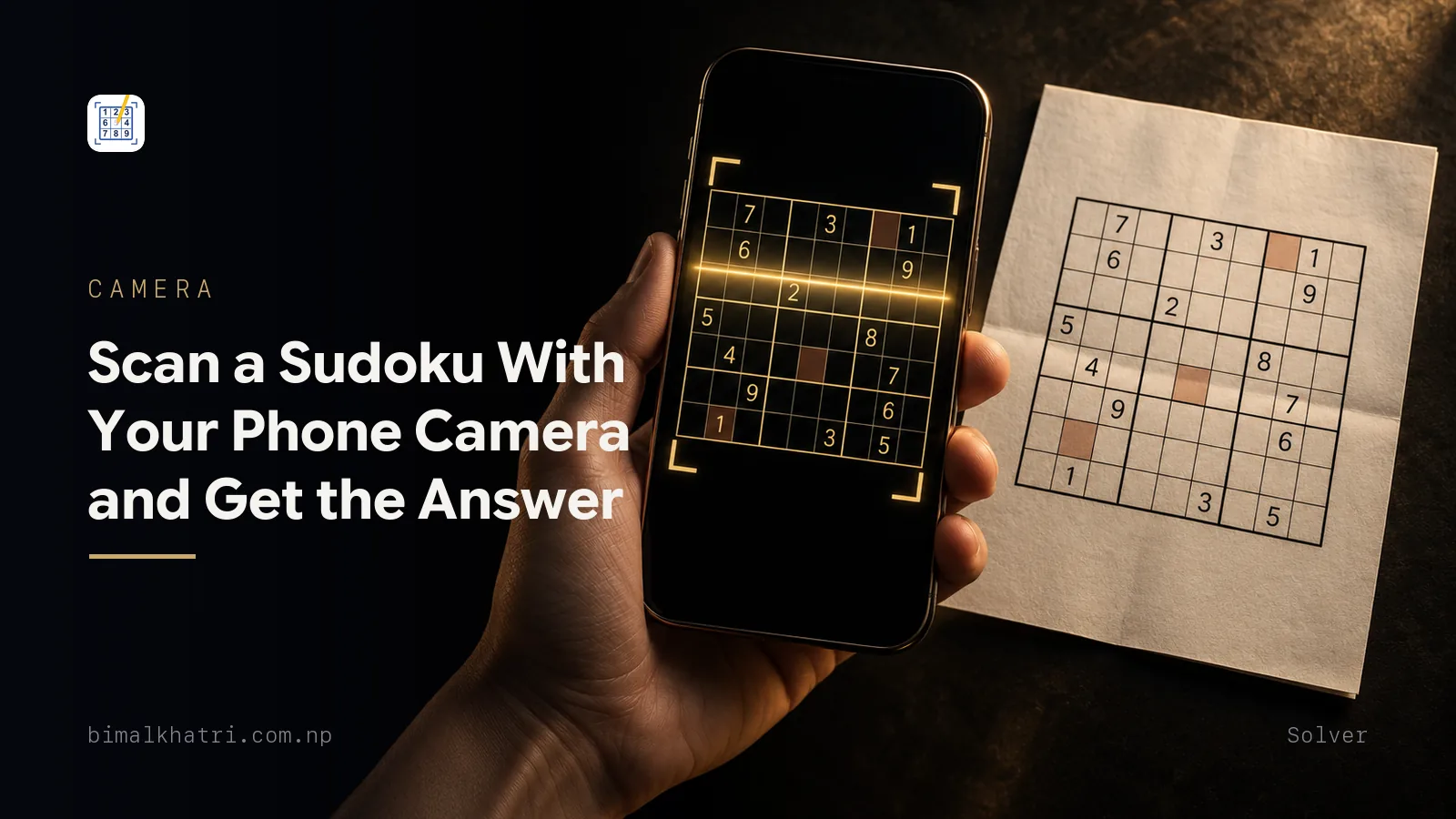
Fill the frame with the grid, shoot from straight above, and crop to the four outside edges of the puzzle. Then read the digits back against the paper before you ask for an answer.
That second step is the one people skip. It is also the only one that decides whether the answer you get belongs to the puzzle in front of you.
A scanner is two machines bolted together. One turns a photograph into 81 cells. The other solves those cells. Almost every complaint about camera solvers is about the first machine, and almost all of it is fixable in ten seconds by the person holding the phone.
Puzzle in front of you? Sudoku Master reads it from the camera or from a photo already in your gallery, and the recognition runs on the phone instead of on a server. Free.
The two machines, and which one goes wrong
Recognition runs first. It finds the grid in the picture, cuts it into 81 boxes, and decides what is printed in each one. Empty cells have to be recognised as empty, which is its own job: a smudge, a crease or a pencil mark you made yesterday is a shape in a box, and a shape in a box looks like a digit.
Then the solver takes over. Mine is a backtracking search. It checks that the grid it was handed is legal, then fills a cell, moves on, and reverses out of every dead end until the board is full. It returns a completed grid or it returns nothing.
Nothing downstream can repair the photograph. The solver is handed 81 cells and believes every one of them, including the 51 it was told were empty.
Which is where uniqueness bites. Exactly one grid completes a properly made puzzle, so a correct set of givens has a correct answer and no argument about it. Change one given and you have handed over a different puzzle. Different puzzles finish differently, and a few of them do not finish at all.
So the whole job is the photograph and the thirty seconds after it.
Take the photo the reader wants
| Do this | Because |
|---|---|
| Fill the frame with the grid | Every pixel spent on the page around it is a pixel not spent on a 3 that has to be told apart from an 8 |
| Shoot from directly above | Tilt turns the far rows into a trapezoid and leans the digits. Corners are what the app uses to square the grid up |
| Flatten the page | A newspaper fold or a book gutter bends the rows through the crease, and the cells there stop lining up |
| Move the paper until the shine is off it | Glare on glossy stock wipes out a whole box. Turning the page is faster than moving the lamp |
| Watch your own shadow | Holding a phone over a page in overhead light puts a dark band across the top rows |
| Step closer instead of zooming | Digital zoom throws away the detail that separates 5 from 6 |
| Scan before you write anything | Pencil marks and your own answers are ink in a cell, and ink in a cell reads as a given |
The last one costs people the most time. A puzzle you have already worked on for twenty minutes is the hardest thing to scan, because half the blank cells are no longer blank and every candidate you pencilled in the corner is a small printed digit as far as the camera is concerned. If you think you might want the answer later, photograph the puzzle clean, then start solving. The picture sits in your gallery, and importing a photo is the same job as taking one.
Crop to the border, tightly
The crop step is not decoration. Everything outside the grid is noise: the difficulty label, the puzzle number, the date, the crossword next to it, the page number underneath. All of it is printed characters that a digit recogniser can mistake for part of the puzzle.
Crop to the outer border of the grid and nothing else. Check the bottom row is inside the frame before you accept it, because a crop that clips one line loses nine cells in one go, and a scan missing nine cells produces an answer that is confidently wrong.
The thirty-second audit
Here is a real puzzle, the way it comes off the page.
2..3..198
3...9..2.
..12.53.7
.......3.
..8..6...
.....18..
.65.1..8.
..7..3..6
.396..7.5
Thirty printed digits, 51 blanks. Thirty digits is all you have to check, and three passes over them catch nearly everything.
Count the givens. Count them on the paper, count them on the screen. Thirty against thirty and no digit went missing. Twenty-nine and one did. Do not be put off by a low count on its own: across the four difficulties in my own app the count runs from 36 at easy down to as few as 21 at extreme, so a grid in the twenties is ordinary rather than suspicious. The number only tells you something when it disagrees with the paper.
Look for a digit twice in the same row, column or box. That cannot happen in
a real puzzle, so it is always a misread. Say the 5 at r7c3 came through as a
6. Row 7 now reads:
.66.1..8.Two 6s, side by side. Nothing else on the grid has to be checked; that cell is wrong, and the answer is on the paper in front of you.
Look hardest at the pairs that share strokes. 1 and 7, 3 and 8, 5 and 6, 6 and 8. A camera has a few dozen pixels of digit to work with, and those pairs are the ones where a few dozen pixels are not many. If your paper prints 1 with a serif, expect it to arrive as a 7 sometimes.
Reading the scan back row by row against the paper takes under a minute on a 30-given puzzle. It is the cheapest minute in the process.
When the solver says there is no solution
That message almost never means the puzzle is broken. Assume the scan first and the printer second.
The loud version is the duplicate above. Two 6s in row 7, the grid is illegal before the search even starts, and any solver worth installing tells you so immediately.
The quiet version is worse. Take the same puzzle and suppose the 1 at r6c6
arrives as a 7. Row 6 now reads:
.....78..Nothing repeats. Not in row 6, not in column 6, not in box 5. The grid is perfectly legal, and it has no solution at all. Every route the search tries runs into a cell with nothing left to put in it, and after exhausting all of them it comes back empty handed.
You cannot spot that one by staring at the grid, so do not try. Compare the scan with the paper, cell by cell, starting with the digits from the confusable list. If two passes find nothing, re-shoot rather than re-read; a fresh photo in better light is faster than an argument with the old one.
The failure that does not announce itself
Now the one to actually worry about. It does not say no solution. It hands you a full, tidy, completely wrong grid.
Suppose the 5 at r7c3 is not misread but missed: faint print, a crease, a
shadow, and the cell comes through blank. The scan has 29 givens instead of 30.
Nothing clashes. The solver is happy.
That 29-given puzzle has twelve solutions. Backtracking is a search, so it returns the first one it reaches, and the first one it reaches looks like this:
245367198
376198524
891245367
754829631
918536472
623471859
562714983
187953246
439682715
Every row holds 1 to 9. Every column holds 1 to 9. Every box holds 1 to 9. It is a valid completed Sudoku, and it is not the answer to your puzzle. It puts a 2 where your paper prints a 5, and 26 other cells come out different from the solution printed under tomorrow's edition.
There is nothing on that screen to warn you. The only check that catches it is the one you did before you pressed solve: does the scan carry every digit the paper carries? A dropped given is silent, and it is the reason the audit is worth doing on a scan that looks fine.
Fix it in the editor, or take another photo
Recognition is imperfect on imperfect input, which is why a grid editor exists at all. Every digit that was read can be tapped and changed before anything is solved.
The rule of thumb is about size. One or two wrong cells, correct them and move on. A whole row wrong, or a column of digits shifted by one cell, means the crop or the angle was off and correcting by hand is slower than standing up and taking the picture again. Three failed attempts means the photo is not the problem.
When to type it in instead
Manual entry is not a defeat, and the test for reaching for it is simple. Would you photograph this page and expect a stranger to read every digit off the result? A flat printed grid, yes. A screen, a curved book, your own biro, or a puzzle you are twenty minutes into, no.
Typing is also the only input that cannot be misread, which changes the maths. The audit you would run on a scan costs about a minute; typing 30 digits costs about the same and skips the audit. On a difficult page you are not choosing between fast and slow. You are choosing between checking and not needing to.
Which images are worth pointing a camera at, and why a screenshot beats any photograph of the same puzzle, is worked through in solving a Sudoku from a photo.
Does the photo leave your phone?
It should not have to, and the test takes ten seconds: put the phone in flight mode and scan something. A scanner that still reads the grid was never sending it anywhere. One that stalls was, and now you know what a photograph of your breakfast table is worth to somebody else.
I built Sudoku Master, and the scanner is the part I spent the longest on. Recognition runs on the device with Google ML Kit, so the photo is not uploaded. Every read digit is editable in the grid editor before you solve, there is a manual entry screen for the puzzles that will not photograph, and scans are saved so you can come back to one later. Being honest about the rest of it: the scanner screens carry a banner, and there is an interstitial when you leave them. There are no ads while you solve.
What to do with the answer once you have it
A full solution ends the puzzle. That is the trade, and it is worth making deliberately rather than by accident.
Three better uses than reading the whole grid:
- Read one cell through a gap in your fingers. Literally. Cover the answer
with your hand, uncover
r4c8, and the other 80 cells stay unearned. - Diff it against your board. Somewhere behind the mess is one entry you should not have written. Reading the two grids side by side names it in seconds, and everything before that cell is still yours.
- Confirm a finish. Last cell in, page about to turn, no cost either way.
What a scanner does not give you is the reasoning. Backtracking finds the answer by trying digits and reversing, which is not how a person solves and not something you can learn from. If what you wanted was the next move rather than the last one, that is a different tool and a different habit, worked through in how to use a hint without ruining the puzzle and the checklist to work when you are stuck.
Common mistakes
Solving first and scanning later. Your pencil marks become givens. Photograph the puzzle while it is clean.
Cropping loosely. The date, the difficulty label and the neighbouring puzzle are all printed characters, and the recogniser has to decide they are not part of your grid.
Trusting a grid you did not check. Thirty digits, one minute. The alternative is a beautiful completed grid that answers a puzzle nobody printed.
Assuming no solution means a broken puzzle. It means a broken scan roughly always. Look for a repeated digit first, then compare against the paper.
Correcting by hand when the crop was wrong. If a whole row is out, the photo was out. Take another one.
Reading the whole answer when you wanted one cell. Cover the grid with your hand and look at the cell you are stuck on. The rest of the puzzle survives.
Fighting a screen with a camera. Photographing a display is the hardest input there is. Type it.
Questions people ask
Why does my sudoku scanner say there is no solution?
Because the grid it read is not the grid on your page. Look for the same digit twice in a row, column or box, which is the common case and takes seconds to find. If nothing repeats, one digit was still read as another without clashing, so compare the scan against the paper starting with 1 and 7, 3 and 8, 5 and 6, and 6 and 8.
Can I scan a Sudoku from a photo I already took?
Yes. Importing a picture from the gallery goes through the same crop and recognition steps as a live capture, and it is the better route for a puzzle you photographed while it was still clean.
Does a Sudoku scanner need an internet connection?
A good one does not, and you can find out in ten seconds. Turn the connection off and scan a puzzle. If the digits come back, the reading happened in your hand. If it hangs on a spinner, the picture was going somewhere, and a basement or a plane will now defeat it.
Can it scan a puzzle I have already started filling in?
It will try, and it will treat your handwriting as part of the puzzle. Anything in a cell is a digit to a camera, including corner pencil marks. If you want the answer to the original puzzle, either scan a clean copy or delete your own entries in the grid editor before solving.
Can a scanner read Killer or Jigsaw puzzles?
Not the ones built for classic Sudoku, mine included. A killer grid carries cage outlines and small sums printed in the corners, and a jigsaw grid replaces the 3x3 boxes with irregular shapes that a digit recogniser has no way to record. Reading the digits is only half the problem; the extra rule has nowhere to go.
Will it show me how to solve it, or only the answer?
Only the answer, if it solves by backtracking, and most do. The search finds a completed grid by trying digits and undoing the failures, which is a method that teaches nothing. A technique-by-technique explanation is a separate thing to build and you should not assume any scanner has one.
Is using a scanner cheating?
It depends entirely on what you point it at. A finished grid, no: the puzzle is over. A grid you are stuck in the middle of, and you read the whole answer: yes, and the person you took it from is you. Uncovering the single cell you are stalled on sits between the two, and it is how most people meet the technique they had not learned yet.
How accurate does the scan have to be?
Perfect. All 81 cells, blanks included. One wrong digit gives you a different puzzle, and one missing digit can give you a puzzle with several answers, of which the solver returns one at random from your point of view.
Keep reading
- Solving a Sudoku from a photo: what works and what fails, for the recognition failures in more detail and what a bad photo does to each one
- How a Sudoku solver works, and when you should use one, because the second machine deserves understanding as much as the first
- How to check a newspaper Sudoku answer without waiting a day, which is the job most scans are really doing
- How to use a Sudoku hint without ruining the puzzle, for the cell you actually wanted
- Stuck on a Sudoku? Work this checklist in order, worth trying before the camera comes out
- The full Sudoku guide, where each of these pieces sits in the bigger picture
Get it: Sudoku Master, free on iPhone and Android. The link sends you to whichever store your phone uses.